
How to install CookieHub in Squarespace
CookieHub can be added to your Squarespace site by injecting the implementation code into the header. Note that code injection is available only on Business and Commerce plans.
Steps to install CookieHub
- Find your CookieHub implementation code.
- Log in to your Squarespace account and open the Home Menu.
-
Go to Settings → Advanced.
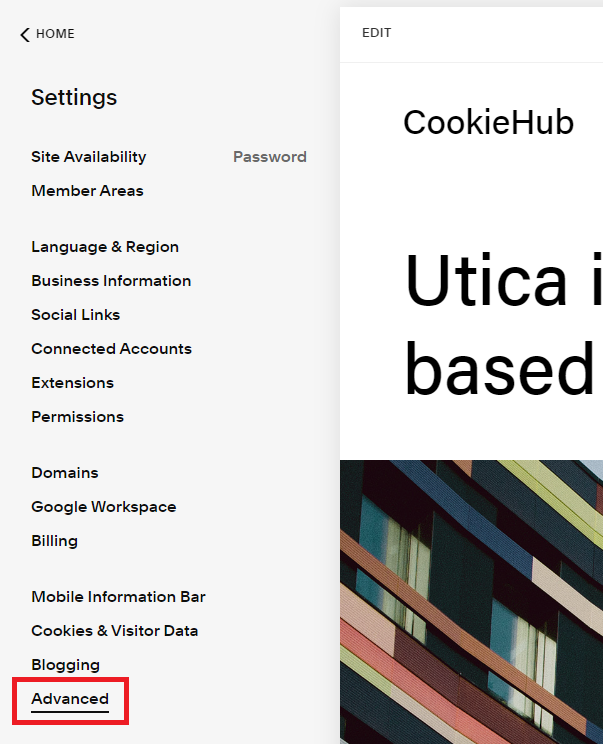
-
Click Code Injection.

-
Paste the CookieHub implementation code into the Header section.

- Click Save.


CookieHub is now active and will automatically manage third-party scripts based on user consent.